


Ableton Resources
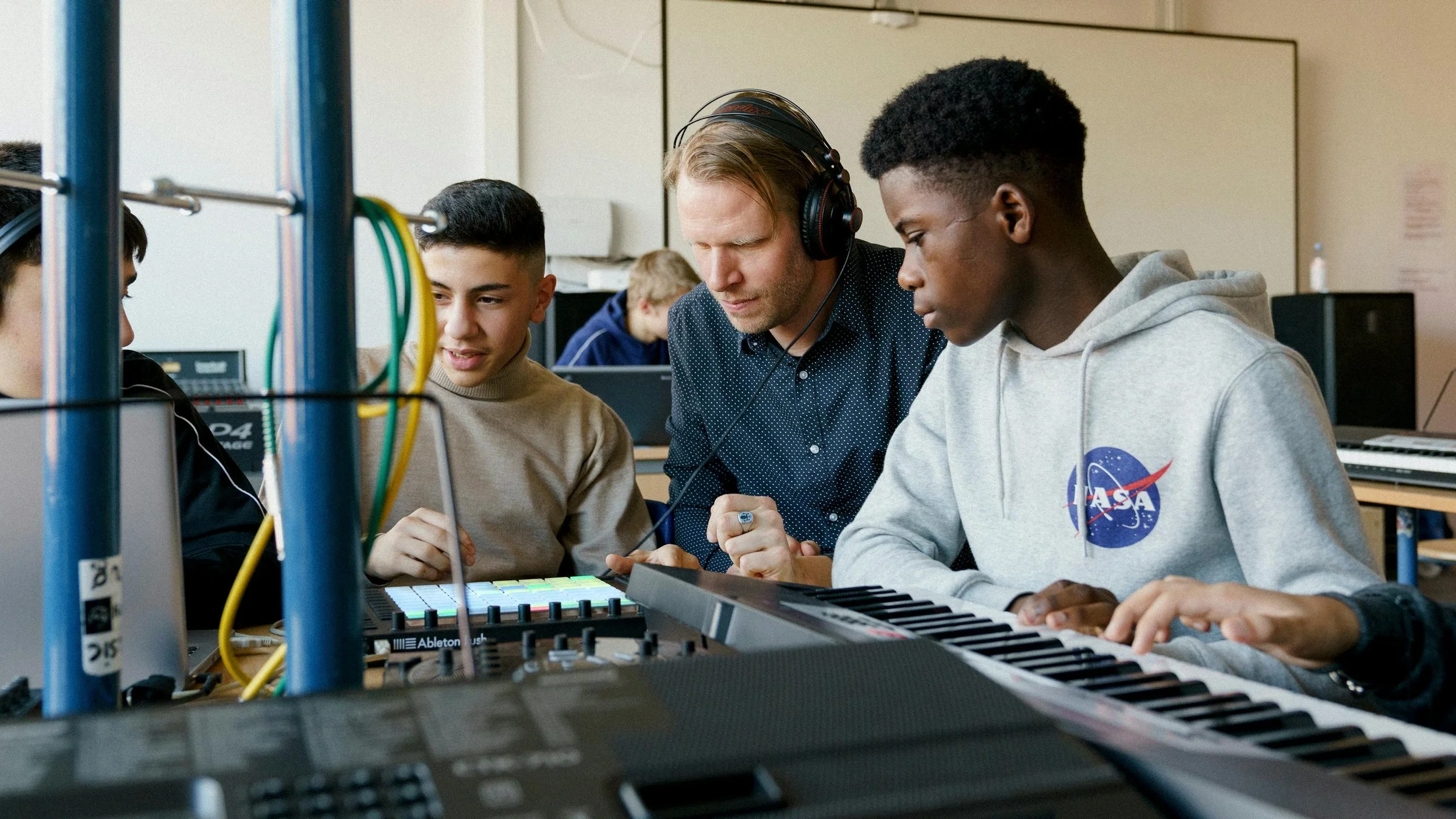
Ableton is a leading platform for music creation and performance, used by artists, producers, and educators worldwide. Its intuitive interface and creative tools make it ideal for introducing students to music technology, composition, sound design and live performance in engaging and accessible ways.
This section signposts a selection of FREE official Ableton resources to support educators and students using Ableton Live, Note, Move or Push. Whether you're introducing music production for the first time or developing more advanced skills, you'll find guidance, inspiration, and practical tools here.
Ableton works closely with schools and music education providers, offering a range of educational discounts, resources, and support. Their dedicated education page includes lesson plans, project ideas, and guidance tailored for classroom use.
Schools, charities, and youth organisations working with young people under 19 can apply for free Ableton Live Intro licences. These include all the features of the standard version with no time limits, making it easy to start using professional music software in your setting.
For more information please email Jack Laidlaw - UK Education Development Manager for Ableton jack.laidlaw@ableton.com

If you’re new to Ableton Live, this guide from Ableton is a great place to start. Ableton’s First Steps with Ableton Live resource is designed to help teachers introduce students to music-making using Live’s two core workspaces: Session View and Arrangement View. The project includes ready-made lesson plans, activity ideas, and clear guidance to support delivery, even if you’re new to music production. It’s a practical starting point for building skills and confidence in a classroom setting. You can access it here.
Ableton Live and FREE Classroom Resources
Ableton Live is music production software that lets you create, edit, and perform music on a computer. It’s used by professional musicians and producers, but it’s also a powerful tool for education. With a clear layout and creative features, Live makes it easy to start making music, even if you’ve never used digital tools before.
Live works a bit like a recording studio and a musical instrument combined. You can build beats, record instruments or voice, and arrange music using loops or your own ideas. It’s ideal for classroom use, as students can explore composition, performance, and production using the same platform.
For teachers new to music technology, Ableton offers a range of resources to help you get started quickly - no prior production experience needed. Ableton Live can be used to support composition, recording, and production elements across GCSE, BTEC, and A-level music and music technology courses.
Ableton Training with Simon Lyon
Looking for support to learn Ableton? Alongside these free resources, you can access expert training from Simon Lyon, Ableton Certified Trainer, to help take your skills further
Simon Lyon has been working with Ableton Live since 2004, with a specialism in integrating music technology into live performance and education. A qualified PGCE music teacher and music industry consultant, Simon delivers tailored training for schools, colleges and individuals, alongside his work as a producer and remixer.
Find out more about:
Flexible training options – from foundational Live techniques to advanced Push workflows
Simon’s work supporting teachers and students in music education
How to book group or one-to-one training
Ableton Note and Ableton Move
Ableton Note is an app (Available for iPhone and iPad) that lets students create musical ideas on the go using touch controls. It includes drum kits, synths, and sampling tools, and projects can be opened later in Ableton Live - supporting a smooth workflow from mobile to desktop.
Ableton Move is a compact, standalone music-making device with built-in sound, recording, and playback. With four flexible tracks, 32 pads, and a simple interface, it's ideal for hands-on learning and quick music-making in the classroom. Students can transfer their projects to Ableton Live for further development, and Ableton provides free lesson plans and classroom resources to support its use. mobile to desktop.
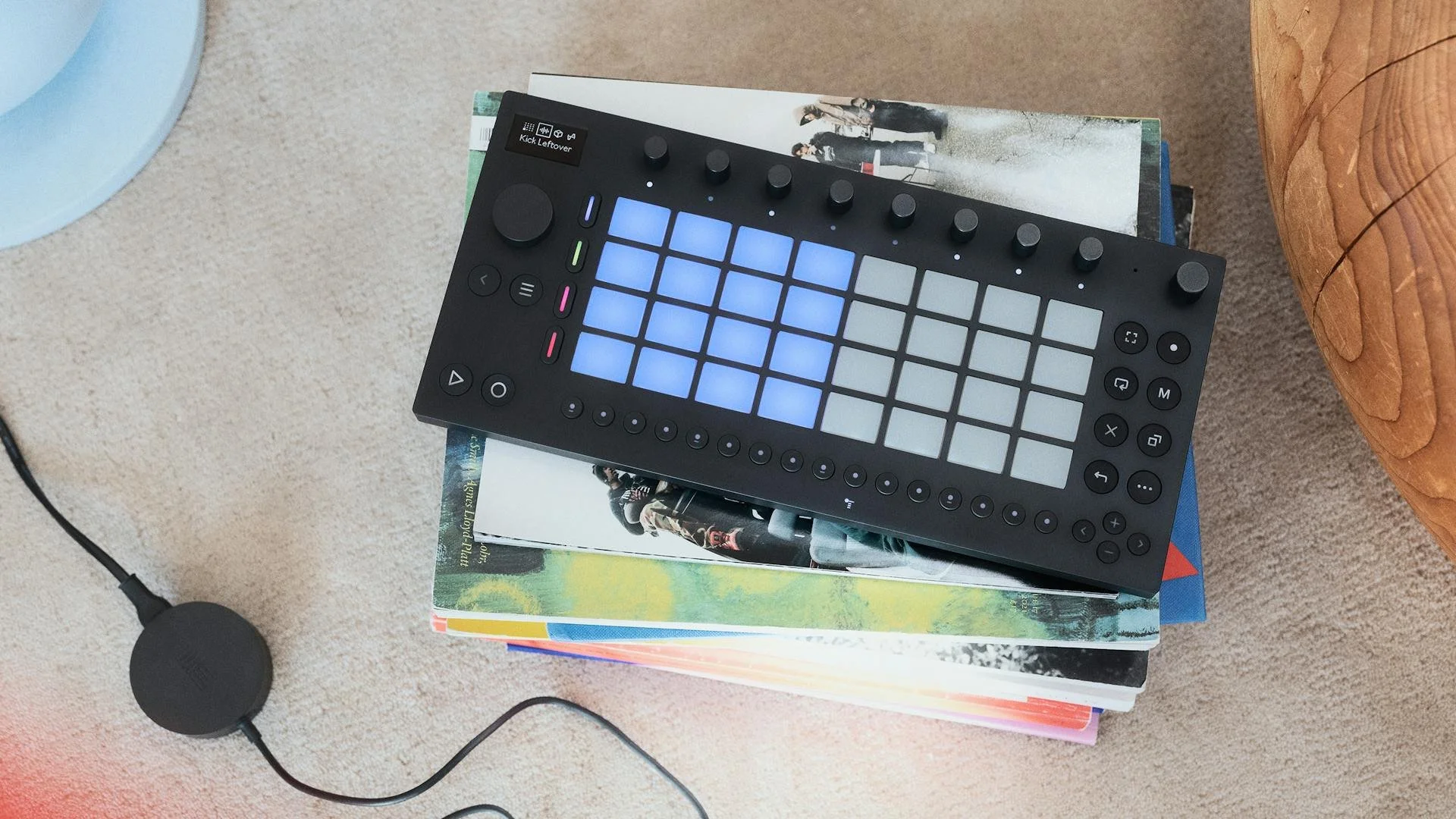
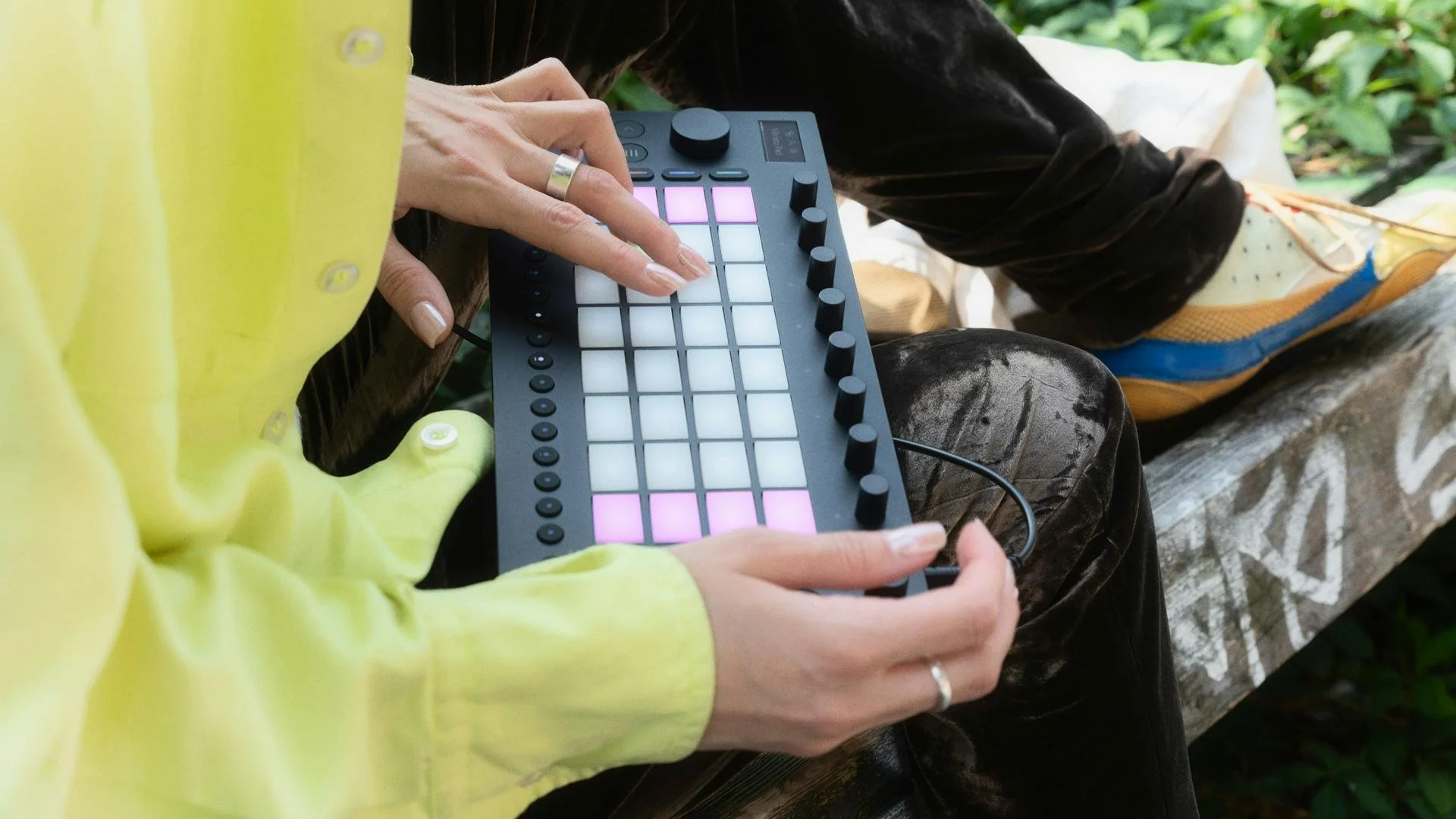
Learn Move: Getting Started with Ableton Move
Ableton’s Learn Move page offers a comprehensive collection of resources to help educators and students get started with Move. It features step-by-step video tutorials covering essential topics such as navigating Move’s interface, creating new Sets, browsing instruments, recording beats, and sampling using the built-in microphone or audio input. Additionally, the page provides access to the Move manual, a quick-reference cheat sheet, and free practice lessons from Melodics. These resources are designed to support hands-on learning and make it easier to integrate Move into educational settings. Learn More at https://www.ableton.com/en/move/learn-move/
Explore the full set of resources at ableton.com/learn-move.
Video Resources
Ableton’s YouTube channel offers a wide range of videos for all levels of experience - from getting started with the basics to in depth tutorials on specific features and creative techniques. Whether you're learning how to use Live for the first time or looking to deepen your understanding of Move, Note, or other tools, these videos provide practical guidance and inspiration. Explore the full collection at https://www.youtube.com/@Ableton